The SABRENT 4 Port USB 2.0 Hub review is for anyone who needs a simple way to connect several USB peripherals to one compatible device.
Its four ports, small footprint, and rotatable connector suit a compact desk or travel setup, though it is not designed to charge connected devices.
SABRENT USB Hub Review Summary
The quick verdict
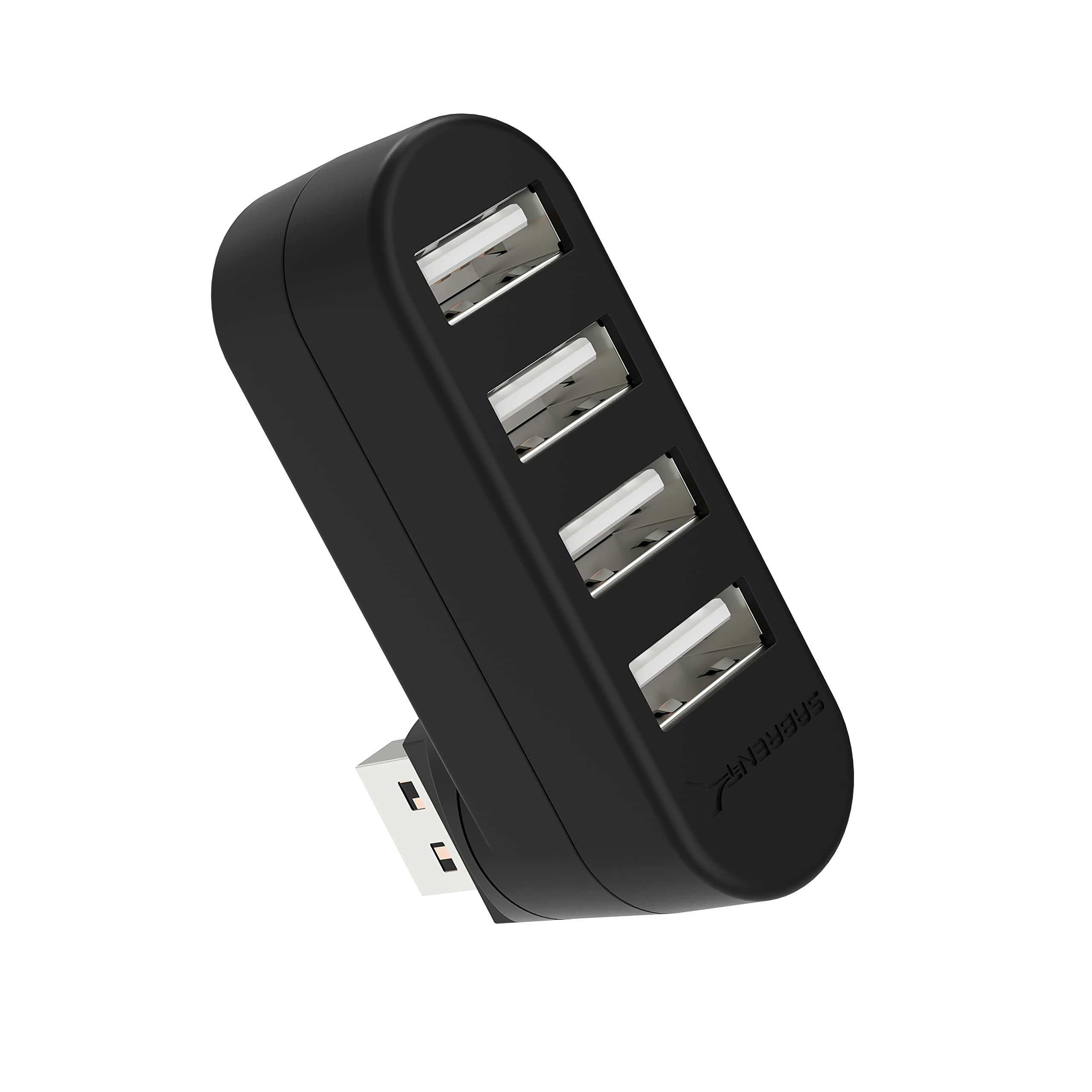
16,000+ ratings
Read Amazon ReviewsSABRENT 4-Port USB 2.0 Hub
A compact, travel-friendly hub for buyers who need four USB 2.0 ports for peripherals and do not need device charging.
- Four USB 2.0 ports add connections to a compatible computer or other USB device.
- The USB connector rotates 90 or 180 degrees to accommodate different port orientations.
- Plug-and-play setup is supported, with hot-swappable and hot-pluggable use.
- Compatibility is listed for Windows, Mac, and Linux systems.

Pros
- Adds four ports in a small, light form that is easy to carry.
- Rotating connector gives more flexibility around crowded or inconveniently placed USB ports.
Consider before buying
- USB 2.0’s listed maximum of 480 Mbps is a limitation for buyers moving large files or seeking faster data connections.
- It does not support charging, so connected devices will need another suitable power source.
Read the full review summary
This small hub adds four USB 2.0 ports through a connector that can rotate 90 or 180 degrees.
That flexibility may help when a computer’s USB port is awkwardly positioned or space around it is tight, while the compact, lightweight design is easy to tuck into a travel bag.
It is a straightforward fit for low-bandwidth peripherals such as a keyboard, mouse, or other compatible USB accessories.
The key tradeoffs are the USB 2.0 data standard and the explicit lack of charging support, so buyers should match it to their actual devices and avoid expecting newer high-speed transfer rates or power delivery.
The buying factors
SABRENT USB Hub Scorecard
Editorial scores reflect listed features and buyer fit; they are not laboratory measurements or customer ratings.
Port expansion
Four USB 2.0 ports provide a useful increase for a compatible device with limited connections.
Port flexibility
The connector rotates 90 or 180 degrees, giving users options for positioning the hub.
Portability
Its compact, lightweight design is well suited to carrying alongside a laptop.
Setup simplicity
Plug-and-play use and hot swapping make it a simple choice for compatible systems.
Data capability
USB 2.0 is adequate for many basic peripherals, but its maximum listed transfer rate is 480 Mbps.
Charging usefulness
Charging is explicitly unsupported, so it does not meet a buyer’s need to power devices.
Key Features and Specifications of SABRENT USB Hub
- Four USB 2.0 ports add connections to a compatible computer or other USB device.
- The USB connector rotates 90 or 180 degrees to accommodate different port orientations.
- Plug-and-play setup is supported, with hot-swappable and hot-pluggable use.
- Compatibility is listed for Windows, Mac, and Linux systems.
- The listed data transfer rate is up to 480 megabits per second.
- The hub has a compact plastic enclosure and weighs about one ounce.
- Charging is not supported.
Pros and Cons of SABRENT USB Hub
Pros
- Adds four ports in a small, light form that is easy to carry.
- Rotating connector gives more flexibility around crowded or inconveniently placed USB ports.
- Plug-and-play operation helps keep setup simple.
- Broad listed operating-system compatibility supports use across common computer environments.
Consider before buying
- USB 2.0’s listed maximum of 480 Mbps is a limitation for buyers moving large files or seeking faster data connections.
- It does not support charging, so connected devices will need another suitable power source.
- The compact design adds ports close to the host connection; check whether your specific peripherals can fit comfortably together.
Who Should Buy SABRENT USB Hub?
Good fit
Consider this hub if you need a few extra connections for everyday USB peripherals and prefer a compact accessory that can travel with a laptop.
The rotating connector is a practical detail when the host’s USB port faces an inconvenient direction or sits close to other equipment.
It is most compelling for basic connections where convenience matters more than transfer speed.
Before buying, check the ports and data requirements of the devices you plan to connect, and make sure you do not need the hub to charge them.
Who should skip it
Choose a different type of hub if your routine depends on charging phones, tablets, or other devices through the hub. This model explicitly does not support charging.
Look for a faster data hub if you regularly transfer large files or rely on storage devices that benefit from speeds beyond USB 2.0. Confirm the required connection standard for your devices before deciding.
What the SABRENT USB Hub’s Design Means for Everyday Use
Rotating connector and desk fit
The connector’s ability to rotate 90 or 180 degrees gives you some control over how the hub sits beside the host device.
That can make cable placement more convenient on a crowded desk or while traveling, though the available clearance still depends on the computer and attached accessories.
Four ports for modest expansion
Four downstream connections can help when a computer has too few ports for basic peripherals.
Since the hub uses USB 2.0, buyers should consider the devices’ intended use: keyboards and mice are a more natural match than workflows where fast storage transfers are central.
A simple, portable accessory
The approximately one-ounce weight and compact dimensions make the hub easy to carry as a small add-on.
Plug-and-play and hot-swappable use also point toward a simple routine: connect it when you need more ports, then remove it when you do not.
Power expectations
Charging is not supported, so the hub should be treated as a way to expand data connections rather than as a source of power for connected devices.
If a peripheral needs its own power, check its requirements and plan for an appropriate separate supply.
Alternatives to SABRENT USB Hub
USB Hubs alternative
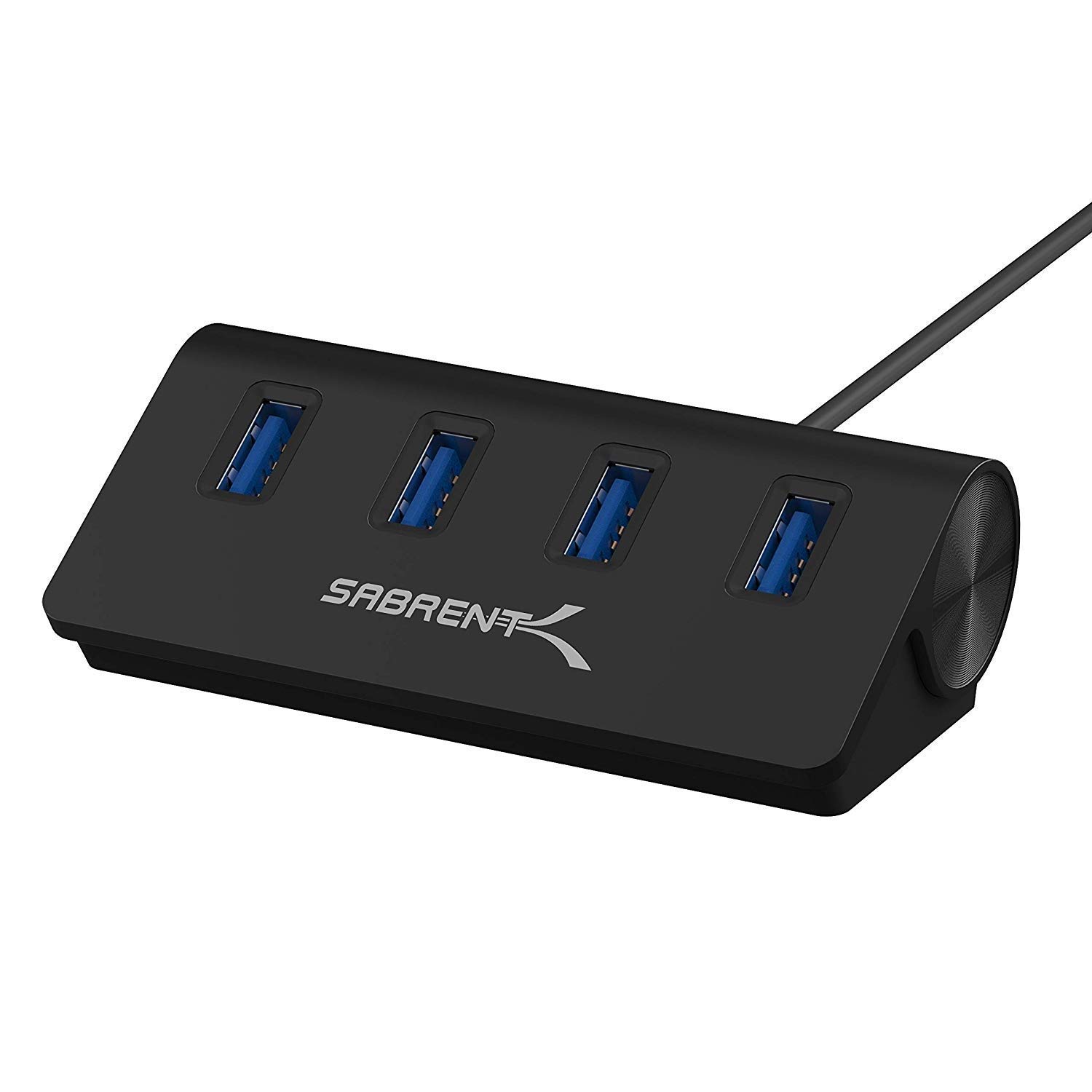
2,000+ ratings
Read Amazon ReviewsSABRENT 4-Port USB 3.0 Hub (HB-MC3B)
Consider the alternative if you want four ports but faster data transfers and a longer cable to position the hub farther from the computer.
The reviewed model is the simpler fit if its rotating connector and very compact form matter more than higher transfer speeds.
- This four-port model uses USB 3.0 and supports transfer speeds up to 5 Gbps, with a 2.5-foot USB 3.0 cable.
- Its data connections are also backward compatible with USB 2.0 and USB 1.1.
- The reviewed hub provides four USB 2.0 ports, a rotating connector, and a compact design, with a listed transfer rate up to 480 Mbps.
USB Hubs alternative
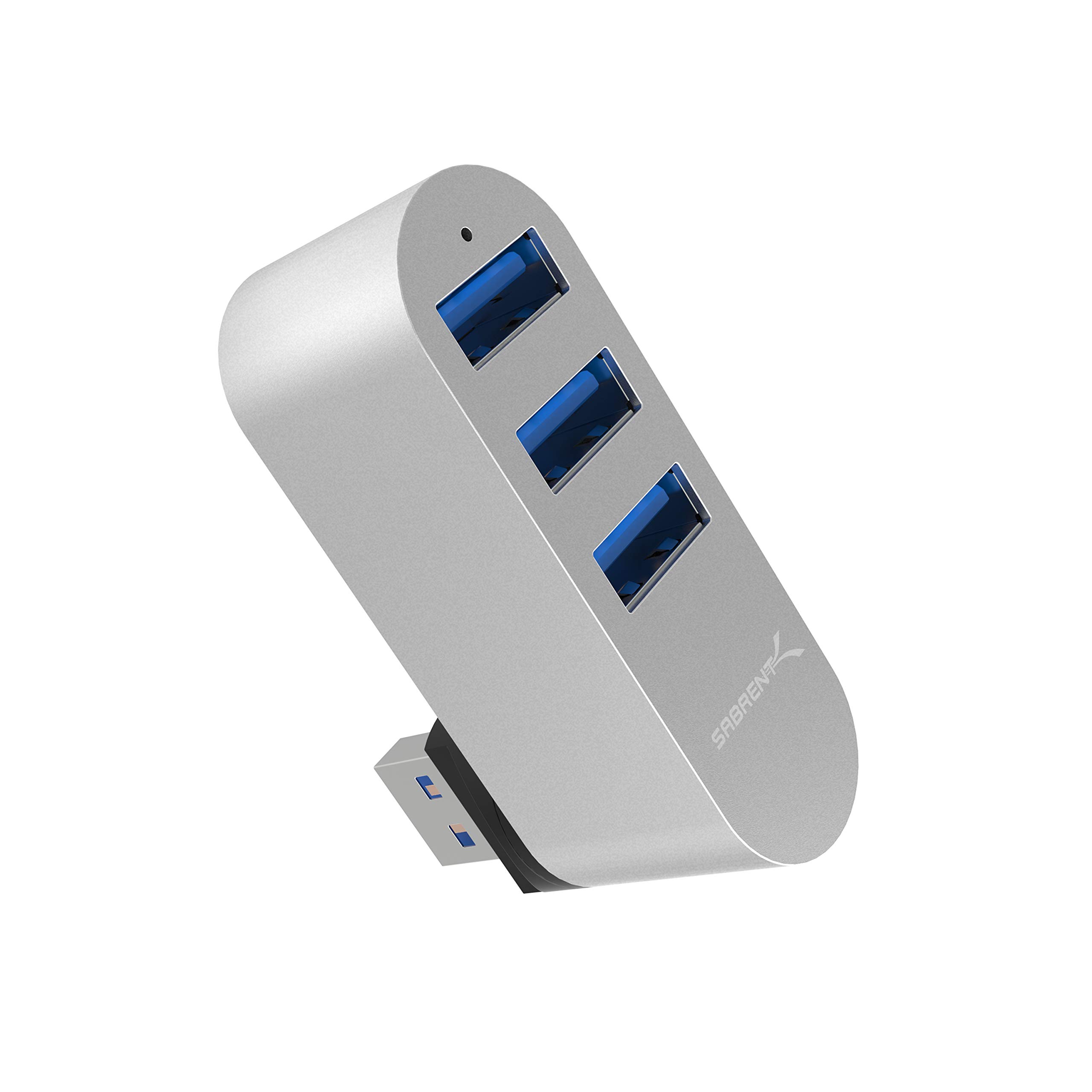
9,000+ ratings
Read Amazon ReviewsSABRENT Premium 3-Port USB 3.0 Hub (HB-R3MC)
Choose the three-port alternative if the faster USB 3.0 standard and aluminum construction better match your setup, and you can work with one fewer port.
The reviewed model provides four connections in a compact package for buyers who prioritize port count over the newer data standard.
- This alternative provides three USB 3.0 ports in an aluminum mini hub, with a rotating connector and a portable design.
- It is listed as compatible with Windows, Mac, and Linux.
- The reviewed hub offers four USB 2.0 ports and a rotating connector in a lightweight, compact design.
Is SABRENT USB Hub Worth It?
The SABRENT 4-Port USB 2.0 Hub is worth considering when you need four extra connections for basic peripherals in a small, travel-friendly package. Its rotating connector adds useful placement flexibility, and setup is designed to be simple.
Buy it if USB 2.0 speed is sufficient and charging is not part of your plan. For faster transfers or charging support, choose a hub whose documented features meet those requirements.
Your review at a glance
16,000+ ratings
Read Amazon ReviewsSABRENT 4-Port USB 2.0 Hub
A compact, travel-friendly hub for buyers who need four USB 2.0 ports for peripherals and do not need device charging.
- Four USB 2.0 ports add connections to a compatible computer or other USB device.
- The USB connector rotates 90 or 180 degrees to accommodate different port orientations.
- Plug-and-play setup is supported, with hot-swappable and hot-pluggable use.
- Compatibility is listed for Windows, Mac, and Linux systems.