The KODAK Slide N Scan Film & Slide Scanner is designed to make digitizing a box of old slides and negatives a manageable home project.
This kodak slide n scan film & slide scanner review looks at its format support, built-in screen, and simple save-and-edit workflow.
KODAK Slide N Scan Review Summary
The quick verdict
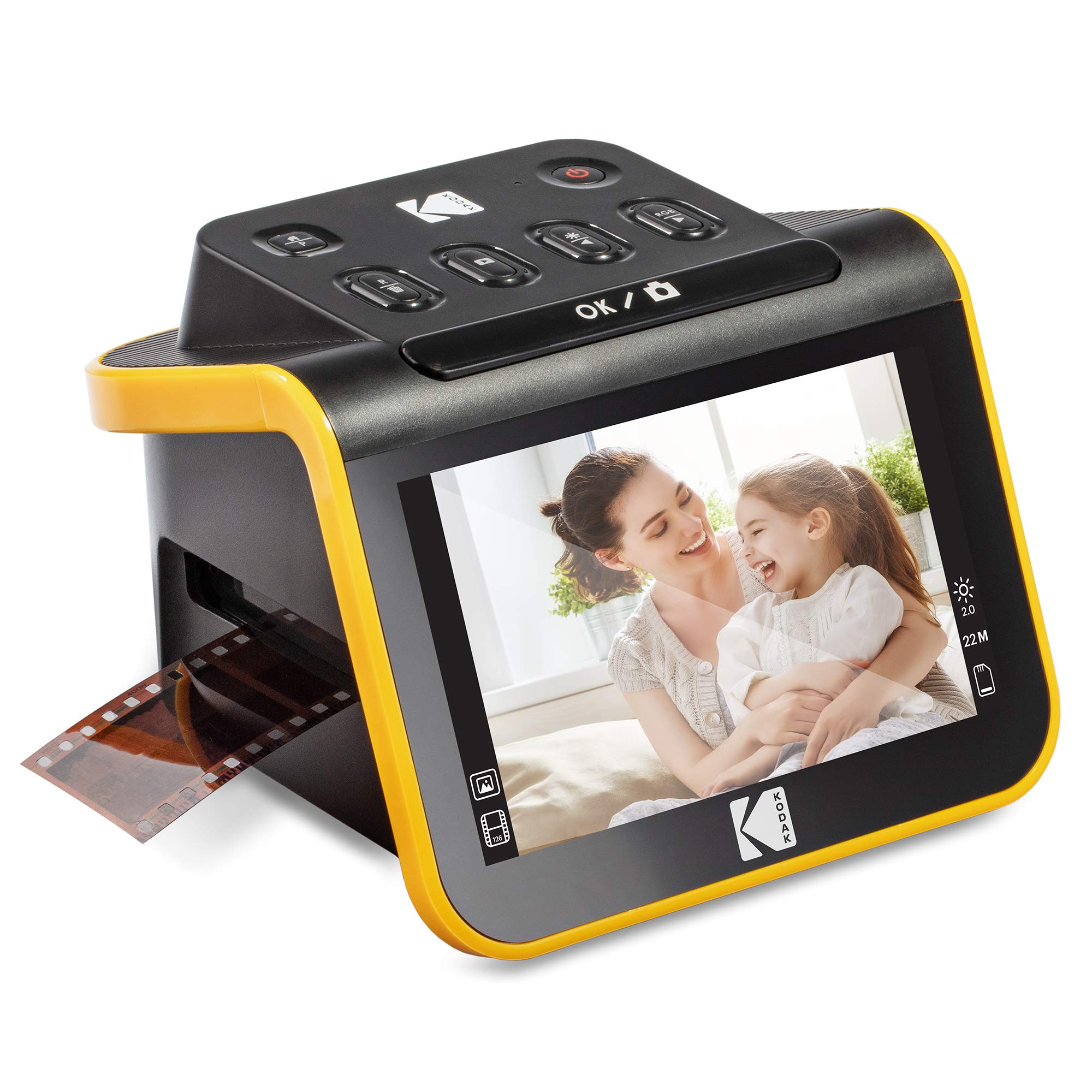
12,000+ ratings
Read Amazon ReviewsKODAK Slide N Scan Film & Slide Scanner
A convenient fit for families and hobbyists who want to preview and digitize common film formats without a complicated scanning setup.
- Converts compatible color and black-and-white negatives and slides to JPEG digital files.
- Supports 135, 110, and 126 film formats, plus 50mm slides.
- Has a 5-inch LCD with a wide viewing angle and gallery mode for previewing images.
- Uses a quick-feeding tray with continuous loading action, along with a 50mm slide holder and film adapters.

Pros
- A built-in 5-inch screen makes previewing and browsing scans possible on the device.
- The included holders and adapters cover several common household film formats.
Consider before buying
- An SD or SDHC card must be purchased separately to save scans directly.
- Format compatibility is limited to the listed film types; check the labels on your originals before choosing it.
Read the full review summary
This scanner combines a 5-inch LCD, quick-feeding film tray, and direct saving to an SD or SDHC card, so you can preview and convert compatible film without treating a computer as the center of the process.
It supports 135, 110, and 126 negatives and slides, plus 50mm slides, with included holders and adapters for loading those formats.
It suits people who want accessible controls and a viewing screen for sorting through family archives, especially when the goal is convenient JPEG copies for sharing or keeping.
The compact all-in-one workflow has limits: cards are not included, the supported formats are specific, and the product description does not establish the level of fine-detail restoration available for demanding archival work.
The buying factors
KODAK Slide N Scan Scorecard
Editorial scores reflect listed features and buyer fit; they are not laboratory measurements or customer ratings.
Film format coverage
Handles 135, 110, and 126 negatives and slides, as well as 50mm slides, with corresponding adapters and a holder.
On-device preview
The 5-inch LCD and gallery mode support reviewing images directly on the scanner.
Loading workflow
A quick-feeding tray is intended to keep film loading moving during a batch.
Editing accessibility
One-touch capture and basic choices for film type, color, brightness, and date and time support straightforward adjustments.
Computer-free saving
Images save directly to a separately purchased SD or SDHC card, with support up to 32GB.
Advanced restoration suitability
The described workflow centers on capture and simple adjustments, so buyers seeking extensive restoration tools should check that their editing needs are met elsewhere.
Key Features and Specifications of KODAK Slide N Scan
- Converts compatible color and black-and-white negatives and slides to JPEG digital files.
- Supports 135, 110, and 126 film formats, plus 50mm slides.
- Has a 5-inch LCD with a wide viewing angle and gallery mode for previewing images.
- Uses a quick-feeding tray with continuous loading action, along with a 50mm slide holder and film adapters.
- Offers one-touch scanning and options to select film type, adjust color and brightness, and assign date and time.
- Saves directly to SD or SDHC cards up to 32GB; the card is not included.
- Includes a cleaning brush, USB cable, and HDMI cable, and connects to a Type-C USB-enabled computer.
Pros and Cons of KODAK Slide N Scan
Pros
- A built-in 5-inch screen makes previewing and browsing scans possible on the device.
- The included holders and adapters cover several common household film formats.
- Direct card saving can keep routine digitizing simple and reduce reliance on a computer.
- Basic image adjustments are accessible through a one-touch style workflow.
Consider before buying
- An SD or SDHC card must be purchased separately to save scans directly.
- Format compatibility is limited to the listed film types; check the labels on your originals before choosing it.
- The described editing controls are basic, so buyers with detailed restoration needs should confirm that the workflow is sufficient.
Who Should Buy KODAK Slide N Scan?
Good fit
Consider the KODAK Slide N Scan if you have family negatives or slides in its supported formats and want to work through them at home.
The larger built-in display can help with previewing and sorting, while the included adapters make it easier to switch between the listed film types.
It is particularly suitable when convenience matters more than a complex editing workflow.
The scanner lets you choose a film type and make simple color and brightness adjustments, then save JPEGs to a memory card; plan to provide a compatible SD or SDHC card yourself.
Who should skip it
Look elsewhere if your archive includes film formats outside 135, 110, 126, and 50mm slides, or if you need a workflow built around detailed restoration.
Before buying, check the format printed on your film and consider whether the available adjustment options match the work you want to do.
How the KODAK Slide N Scan Fits a Home Film Archive
Format compatibility is the first decision
The scanner covers 135, 110, and 126 negatives and slides, plus 50mm slides. That is useful variety for a mixed family archive, but it does not mean every film format will fit.
Sort a few representative frames and verify their format before committing to a batch.
The screen changes the feel of the workflow
A 5-inch LCD with gallery mode lets you preview and browse on the scanner itself.
That makes it easier to review a batch at the device, though anyone who needs a larger editing workspace should consider how the images will be reviewed after saving.
Direct saving keeps the process self-contained
The scanner saves to SD or SDHC cards up to 32GB, with no card included.
This setup can make a straightforward conversion session less dependent on a computer; confirm you have a compatible card and enough capacity for the project.
Simple adjustments favor accessible scanning
The one-touch capture software includes film-type selection, color and brightness adjustments, and date and time assignment.
Those controls address common basic choices, while buyers who expect extensive restoration should check whether their preferred editing process can handle the additional work.
Alternatives to KODAK Slide N Scan
Slide & Negative Scanners alternative
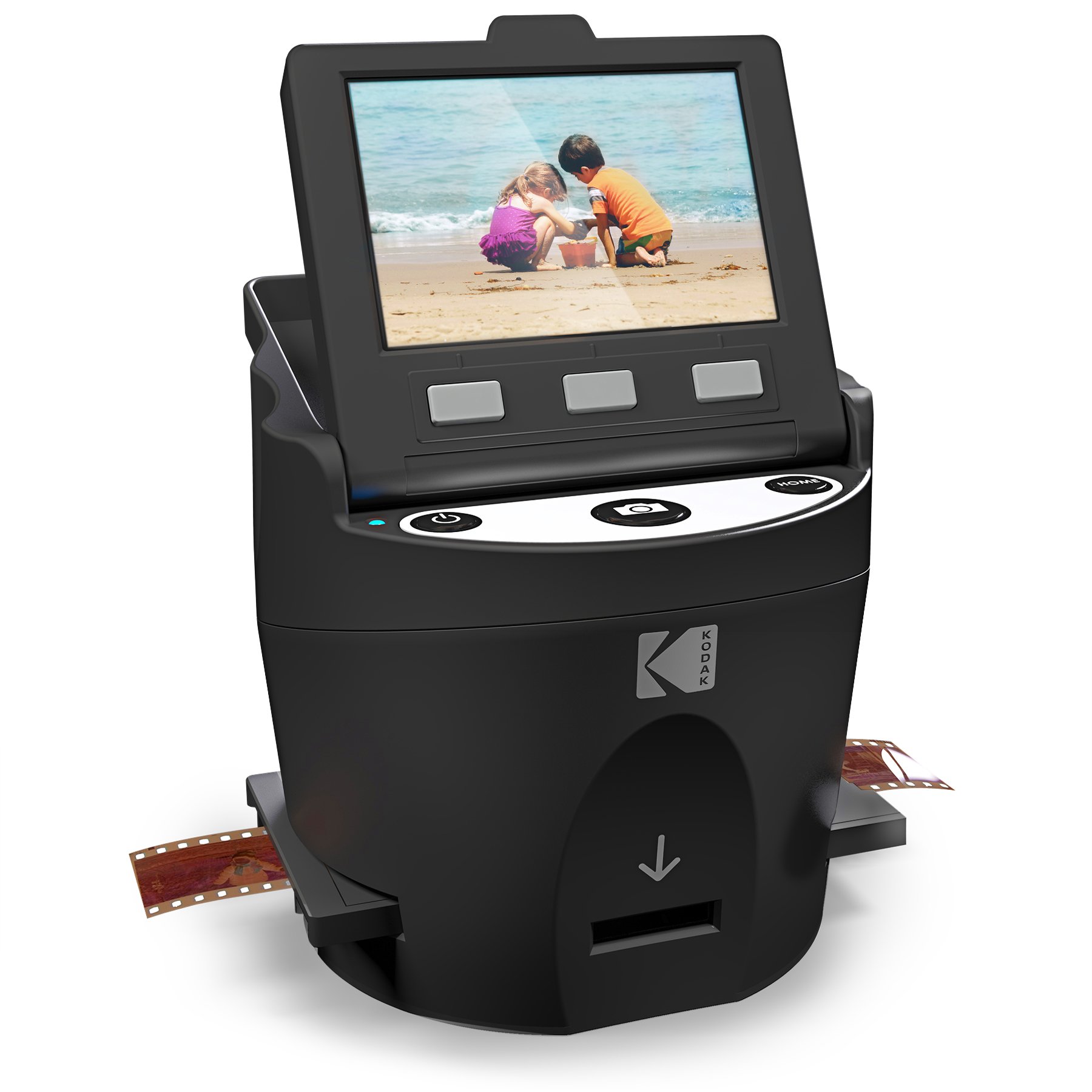
11,000+ ratings
Read Amazon ReviewsKODAK SCANZA Digital Film & Slide Scanner
Choose the Slide N Scan if its larger screen and listed 50mm slide support fit your archive.
The SCANZA is a stronger match when Super 8 or 8mm coverage, a tilting screen, or higher-capacity SD card support matters more.
- The SCANZA has a 3.5-inch adjustable-brightness, tilting LCD and supports 35mm, 126, 110, Super 8, and 8mm negatives and slides.
- It includes multiple inserts, RGB and resolution editing, and supports SD cards up to 128GB.
- The Slide N Scan offers a 5-inch LCD and direct saving to SD or SDHC cards up to 32GB, and supports 135, 110, and 126 formats plus 50mm slides.
Slide & Negative Scanners alternative
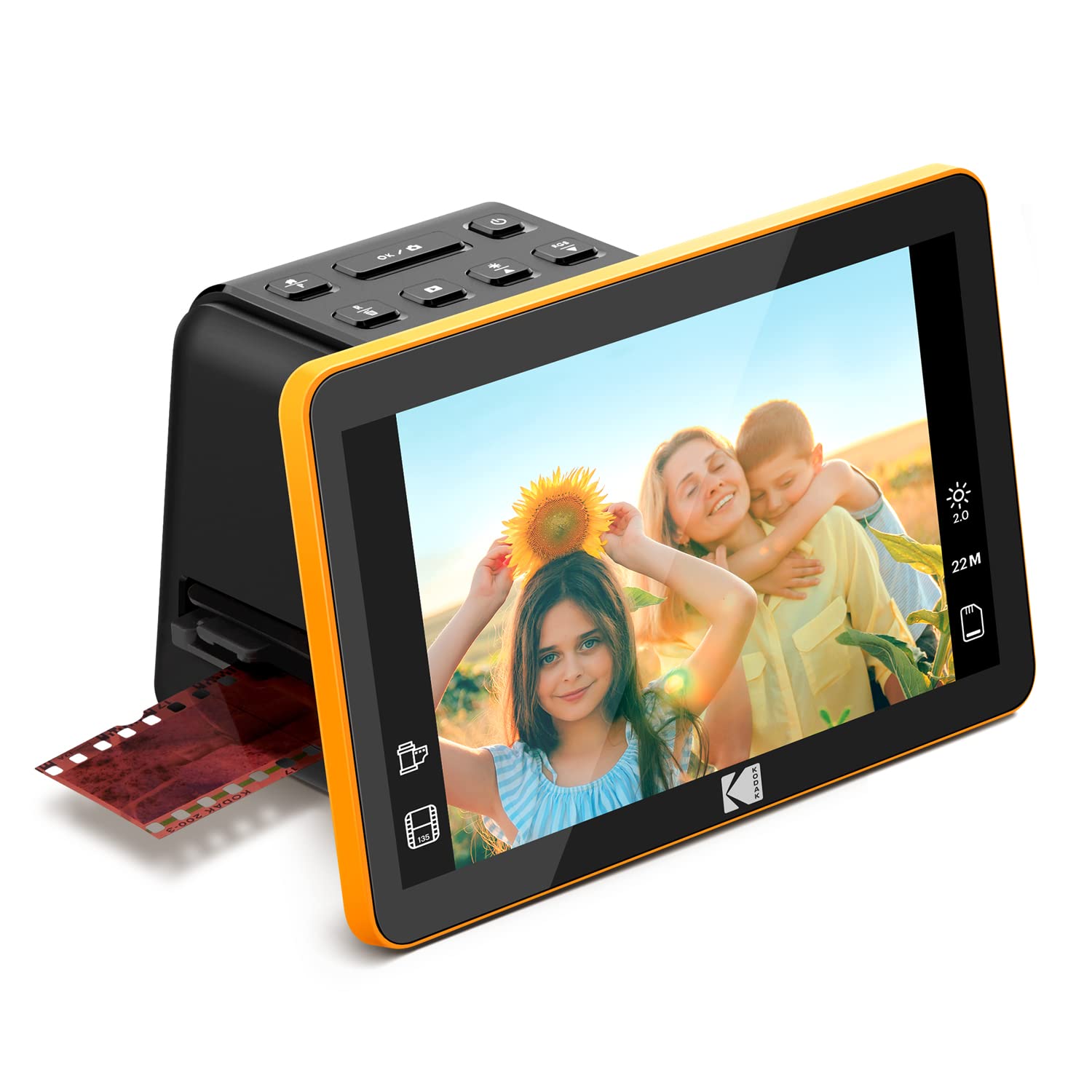
1,000+ ratings
Read Amazon ReviewsKODAK Slide N Scan Max Film Scanner
The Max is worth comparing if its stated sensor and output details are a priority.
The main Slide N Scan has the explicitly described 5-inch screen and 50mm slide support; choose between them based on which features matter for your archive and review routine.
- The Slide N Scan Max supports 135, 110, and 126 negatives and slides, saves directly to SD or SDHC cards up to 32GB, and has a 13MP CMOS sensor with 22MP interpolation and output up to 4208 × 3120.
- The Slide N Scan provides a 5-inch LCD and supports 135, 110, and 126 film, plus 50mm slides, with direct card saving up to 32GB.
Is KODAK Slide N Scan Worth It?
The KODAK Slide N Scan Film & Slide Scanner is worth considering for home digitizing when your originals match its supported formats and you value a built-in screen, included adapters, and direct memory-card saving.
Its simple controls make it approachable for routine JPEG conversion.
Check your film formats first, budget for a compatible card, and weigh whether basic adjustments are enough for your project.
For a mixed archive that fits the listed formats and a convenience-focused workflow, it is a practical option to consider.
Your review at a glance
12,000+ ratings
Read Amazon ReviewsKODAK Slide N Scan Film & Slide Scanner
A convenient fit for families and hobbyists who want to preview and digitize common film formats without a complicated scanning setup.
- Converts compatible color and black-and-white negatives and slides to JPEG digital files.
- Supports 135, 110, and 126 film formats, plus 50mm slides.
- Has a 5-inch LCD with a wide viewing angle and gallery mode for previewing images.
- Uses a quick-feeding tray with continuous loading action, along with a 50mm slide holder and film adapters.